EditBook
Learn how to edit your travel photos in Lightroom ✨
Do your travel photos look a bit flat? You know they have potential and you’d love to achieve that professional, cinematic look… but you feel lost the moment you open complex editing software filled with sliders?
After 4 years of content creation and thousands of edited photos, I’ve gathered my entire method into one clear, easy-to-follow guide so you can learn to edit exactly like I do 🤗
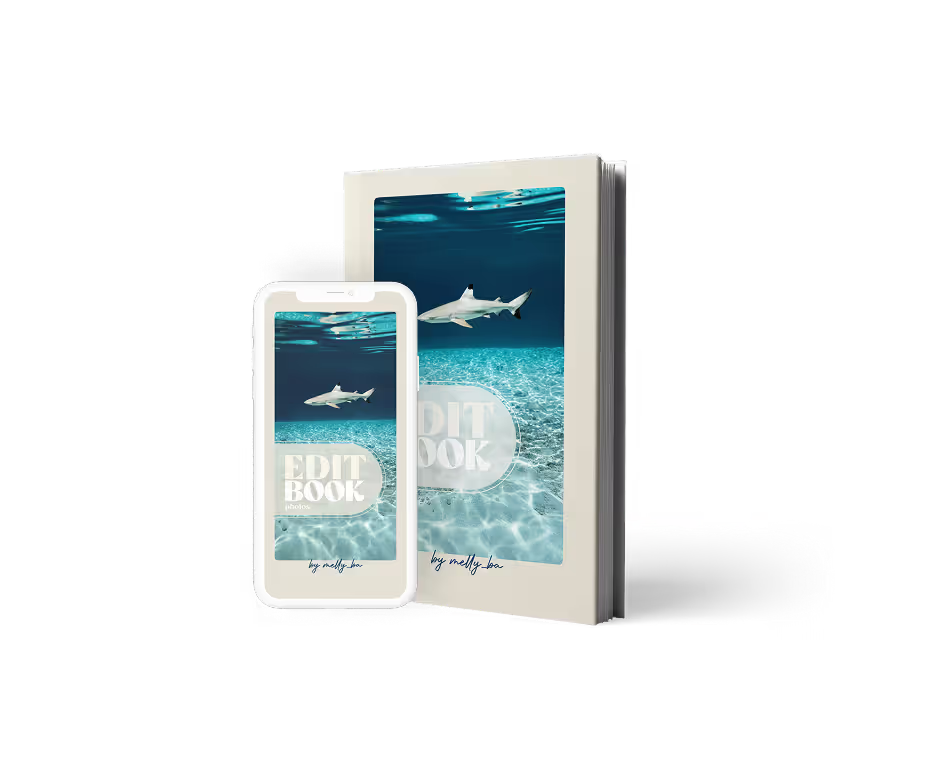
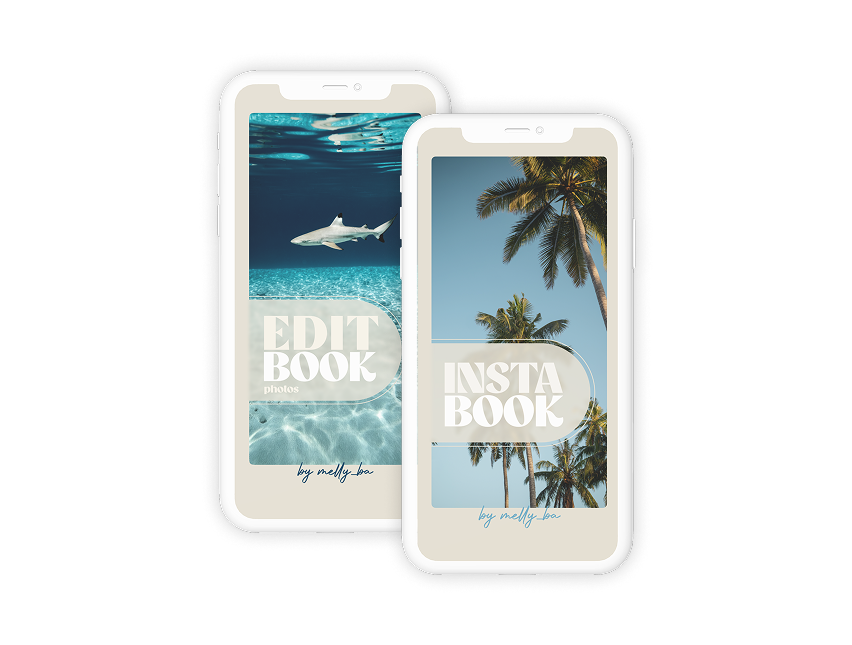
EditBook
by Melly_ba

What you will learn in the EditBook
I'm explaining the exact steps I use to edit my own travel photos. It's simple, structured, and free of complicated jargon.
You download my original photo (RAW).
We edit it together, step by step.
You understand:
- What is each tool used for
- Why do we use it
- In what order
- And how to adapt according to the photo
No useless theory, only concrete ☺️
🧐 Why not presets?
Presets don't teach you anything. They apply a uniform filter to all of your photos. They cannot independently adjust the subject, correct only water that is too green or brighten a face without touching the rest of the image... However, that is precisely what I do on each of my photos to have the result that you see on my posts!
{{line}}
💡 The solution
Learn how to edit photos in Lightroom. THE photo software used by all professionals to be sure not to degrade the quality.
💰 And you'll never need to buy presets again!
Detailed summary:
Content creation and influence
- Understand the difference between the two because they do not serve the same purposes.
- Define your objective to have a real guideline.
- Understand Instagram & shifting your mindset
create an account people want to follow
- The importance of finding your positioning, and especially how to find yours.
- How to optimize your profile, bio, photo, and feed so that they turn curious people into followers.
- The checklist for an account with solid foundations
Building a community & growing your account
- Create a human link to build a real community
- Learn regularity without burning-out
- The daily checklist of actions to get into a growth momentum.
Create content that really works
- What is content that works
- The 8 psychological triggers to activate
- Analysis of my best reels
- The roles of each type of content, and how to optimize them
- Perfect Reel Checklist
- Idea box and hooks for engaging content
- Action Plan to boost your visibility in 3 months
Detailed summary:
MODULE 1 — The technical basics in photography
- Understanding light and exposure
- The exposure triangle: Aperture, Speed, ISO
- White balance: get natural colors
- How to get started in manual mode
- Practical exercises: getting started with the settings
MODULE 2 — Mastering shooting in real conditions
- Using natural light to your advantage
- Managing movement: freeze or show movement
- Photographing while traveling: telling a story
- Shooting Underwater
- Photographing with a drone
MODULE 3 — Choosing and configuring your hardware well
- How to choose your camera
- Understanding lenses: focal lengths, zooms, uses
- Travel light without sacrificing quality
- Set up your camera to shoot more effectively
MODULE 4 — Develop your creativity and build your style
- Vary your angles and points of view: diving, low-shot, low shot
- Use light, textures and materials to enrich your images
- Be inspired by lines, symmetry, and patterns
- Create coherent and immersive series
- Isolate your subject to transmit a strong message
MODULE 5 — Photographing specific situations
- Night photography: settings, stabilization, light management
- Capture the Northern Lights (iPhone + camera)
- Sunset & Sunrise: the art of the golden hour
- Shooting in low light: anti-blur tips
MODULE 6 — Optimizing your device settings like a pro
- Shooting modes: burst, self-timer, single
- RAW vs JPG: which format to choose and why
- Light measurement mode: how to properly display
- Use Zebras to avoid overexposure
- Understanding image sizes: 2/3, 4/5, 16/9 formats
- Autofocus modes: AFS, AFC, Manual
- Customize your buttons: back button focus, face focus, MF/AF shortcuts
EditBook
39€
49€
100% Secure payment
Pack
InstaBook + EditBook
With your purchase, you will receive:
- The EditBook: 80 pages to follow the editing tools on Lightroom step by step, with concrete examples and clear explanations.
- 2 photos in RAW to download to perform the editing steps at the same time as me.
- A chapter focused on retouching photos under water
- Guide updates sent free of charge
The EditBook is a PDF file that you can open on your phone, or on your computer to follow as you go and edit at the same time:

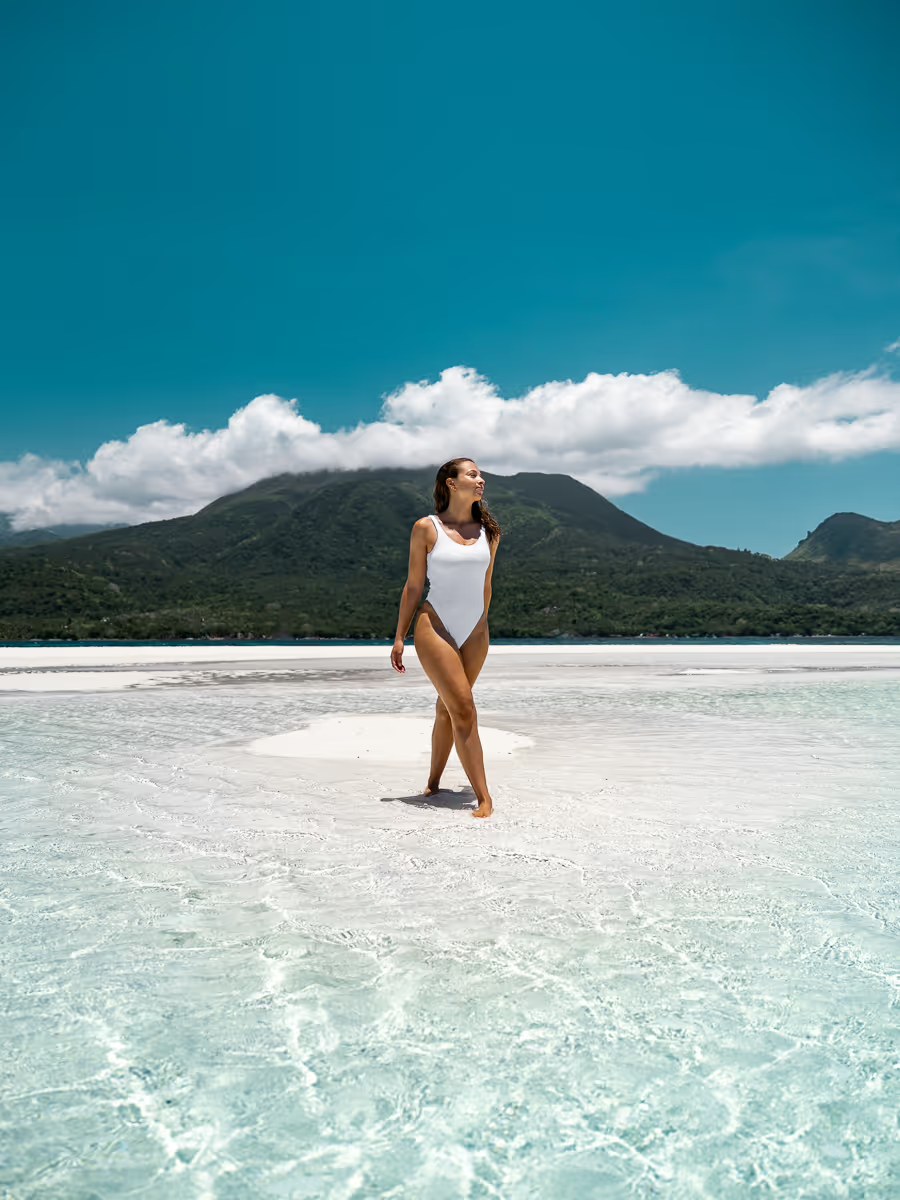
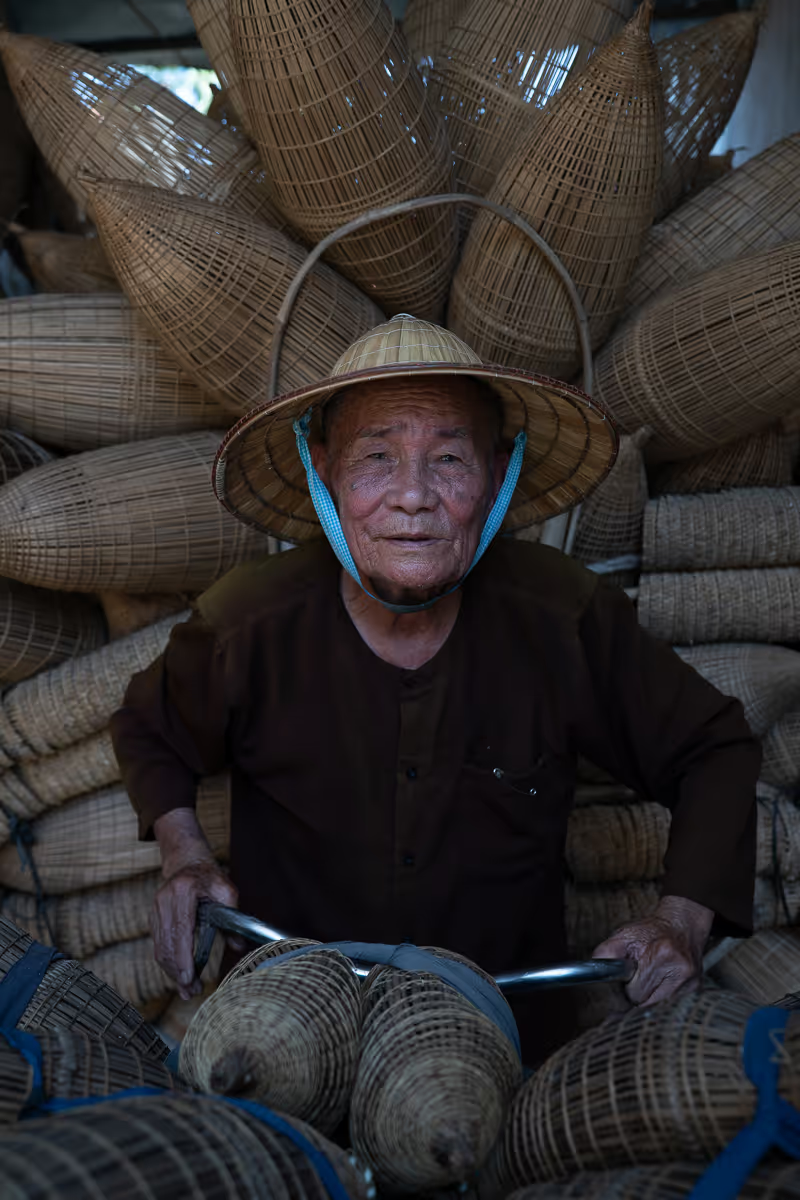
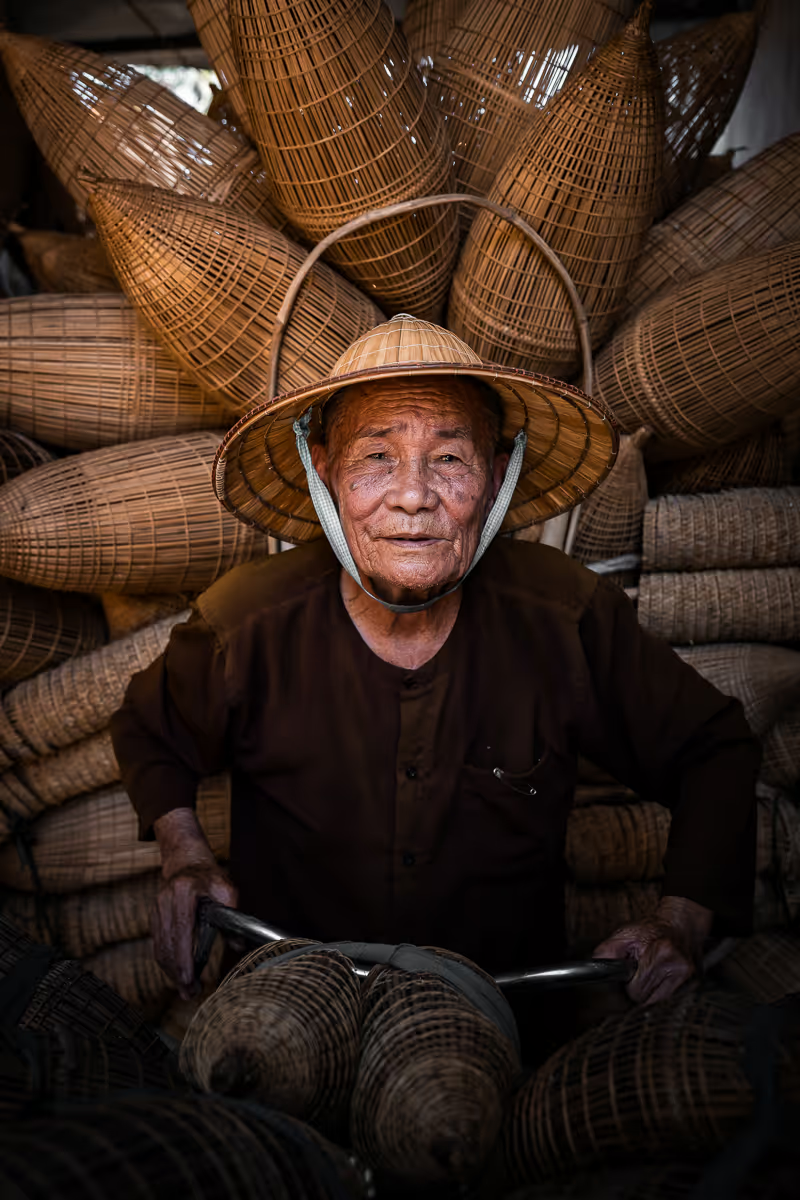
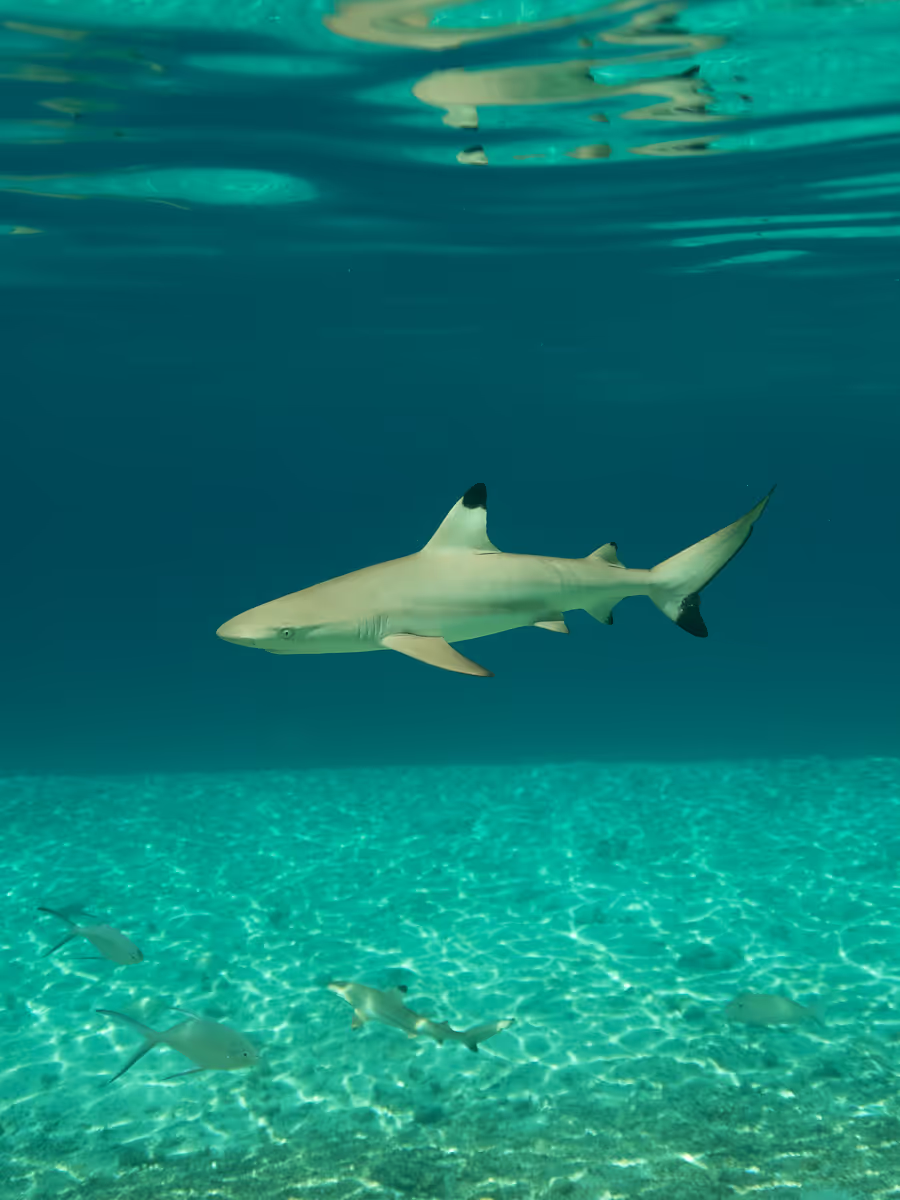
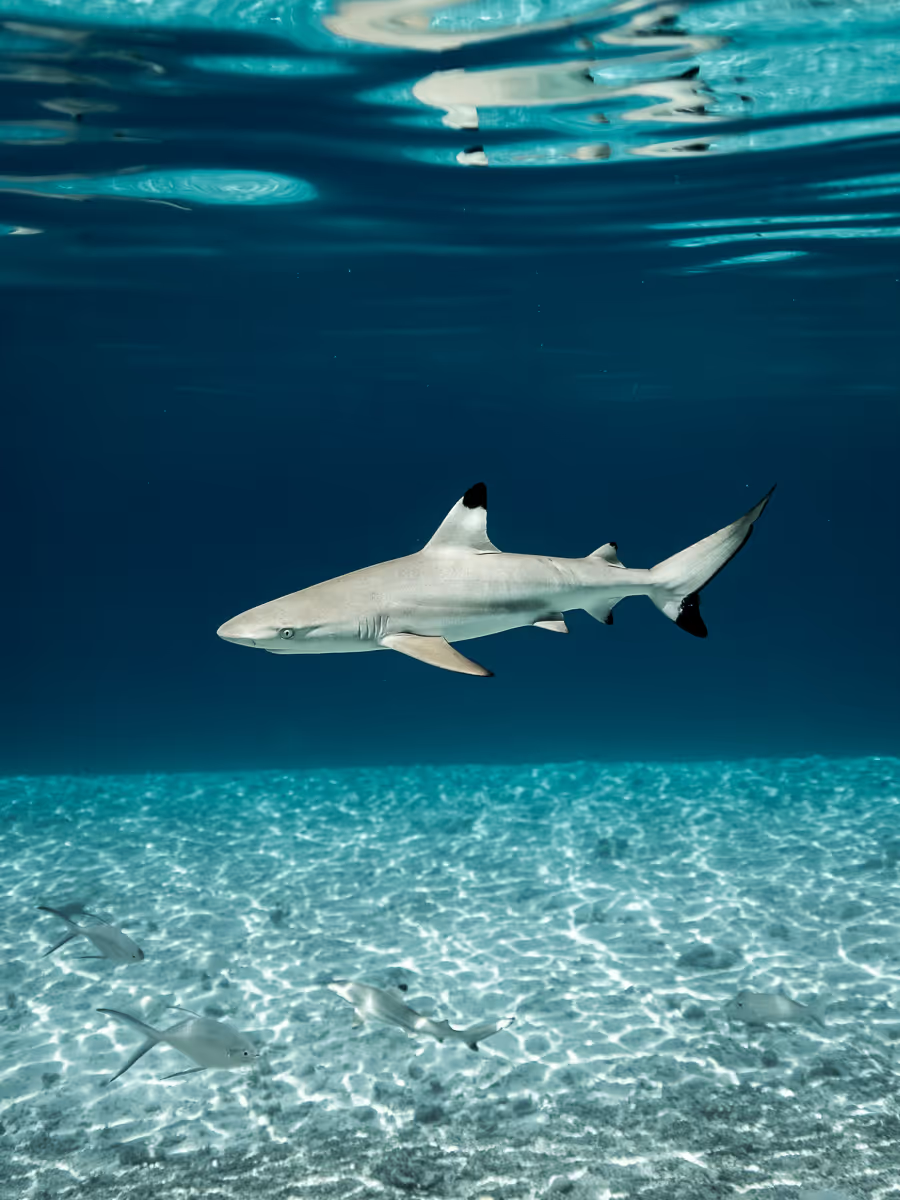
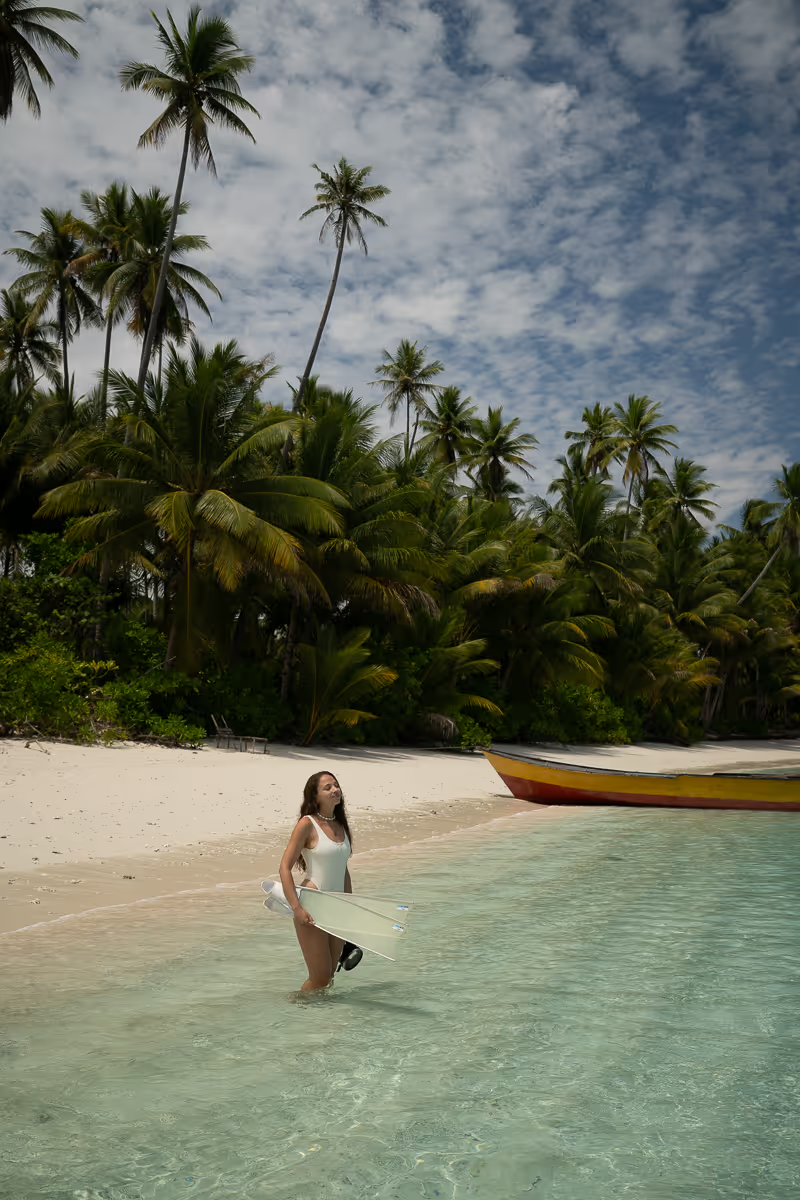
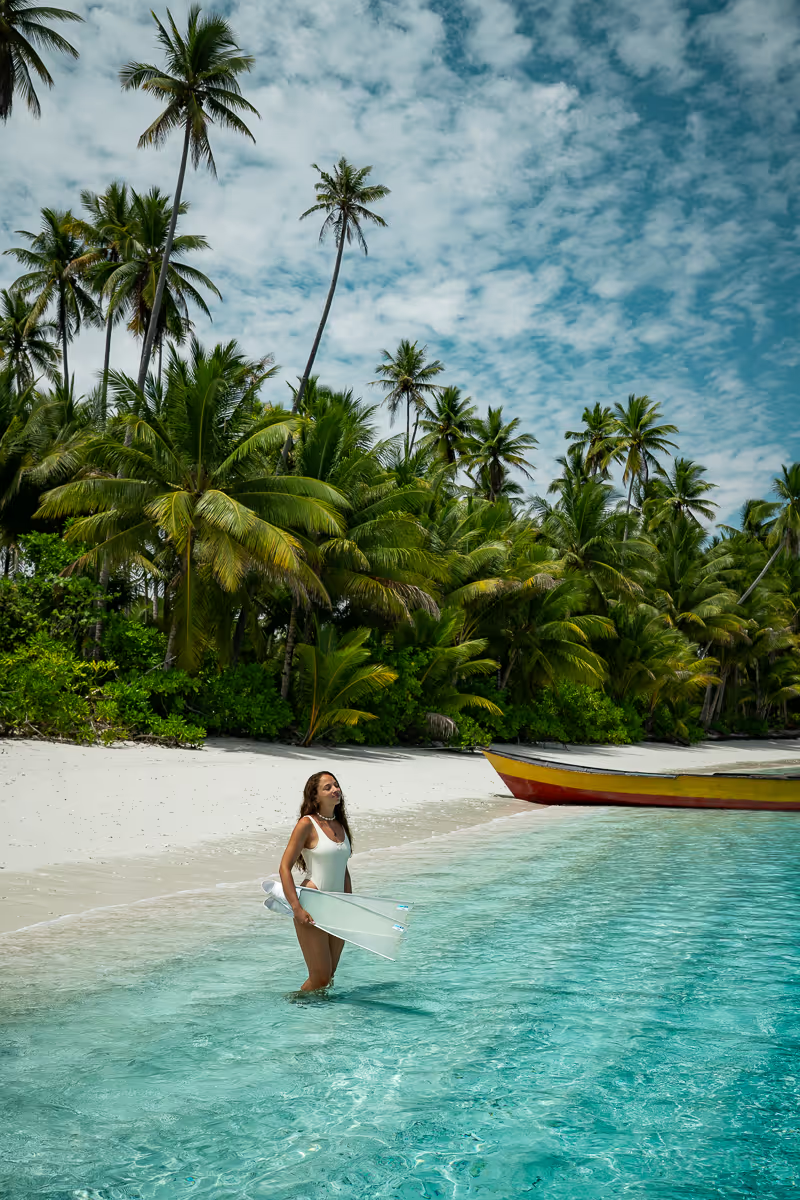
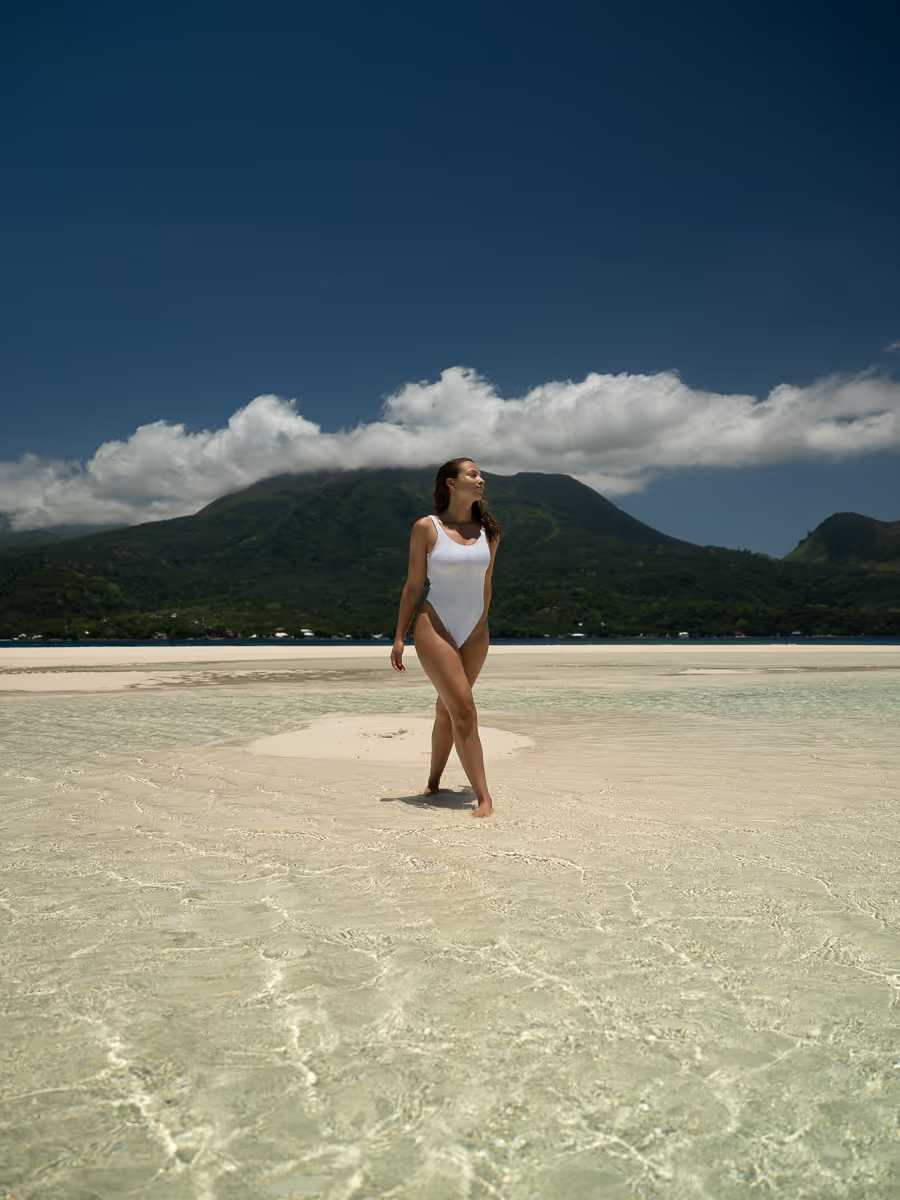
Here is the result you will be able to get after the EditBook:


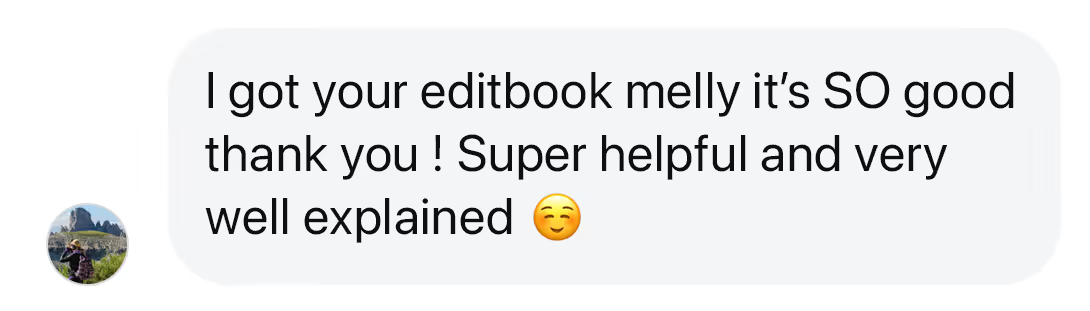
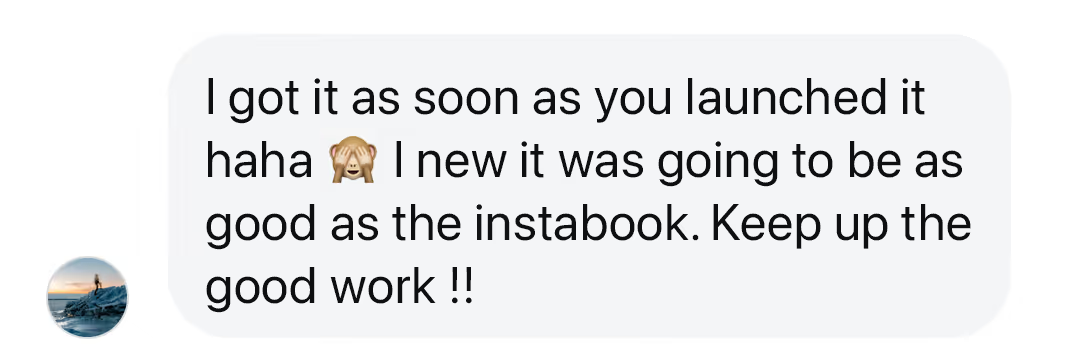
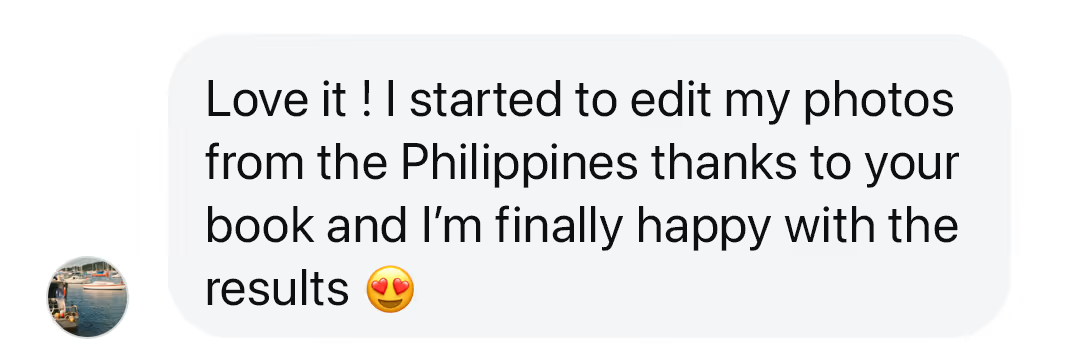
Your feedback say it all 🚀
FAQ
👉 The Lightroom app is essential to follow the EditBook method. The paid version (starting at €9.99 per month) is recommended to access all the tools used in the training, such as masks and selective adjustments.
👉 Take your photos in RAW in order to obtain a more precise and professional touch up. The ideal is still a camera (you may need to change your settings) but the RAW format is also available on recent smartphones such as the iPhone (ProRAW mode on Pro models), and on some high-end Android via Pro mode.
Yes, absolutely! The training was designed to guide you from the very basics, even if you’ve never edited a photo in Lightroom before.
Yes, of course. You will automatically receive an invoice by email after your purchase. If necessary, you can also contact us for a personalized version.

hey !
We are Mélanie and Stephen
Stephen and I got into photography and videography while travelling, simply to keep memories to share with our loved ones. During our world trip, we were shooting almost every day… and by consistently sharing on Instagram, we naturally wanted to improve. That’s probably what brought you here too!
I never followed any formal training. I learned how to edit by practicing, day after day. My only advantage was being familiar with image and graphic design tools early on, especially thanks to Photoshop classes during my studies.
For the past 4 years, many of you have asked how we edit our photos and videos, which tools we use, and whether we rely on presets. So I finally decided to put everything I know in one place to help you achieve a more aesthetic and professional look for your content.

Hello! We are Mélanie & Stephen
A couple of nomad travelers, 29 and 35 years old, and we have been traveling the world for 5 years now! After experiencing all the difficulties possible (cancelled flights, weird accommodations, scams, bad itineraries...) we learned to organize perfect trips, without stress and without wasting time.
It all started three years ago, when sharing our trip to Egypt on Insta, we received an avalanche of questions about organization, safety or the contacts of local guides! We then decided to combine all our best reviews in an ultra-complete file, so that you can save time and leave peacefully, without stress or unpleasant surprises.
Guides created by travelers, for travelers.
Today, our guides are the result of several years of experience and continuous improvement. Thanks to the feedback of thousands of travelers, we have made them even more practical, detailed and optimized 👌